The MCP server that brings your data room into ChatGPT, Claude and Gemini.
ChatGPT, Claude, Gemini and your own agents work on your data rooms with your permissions, and every action is recorded.
What is the DocuMap MCP server?
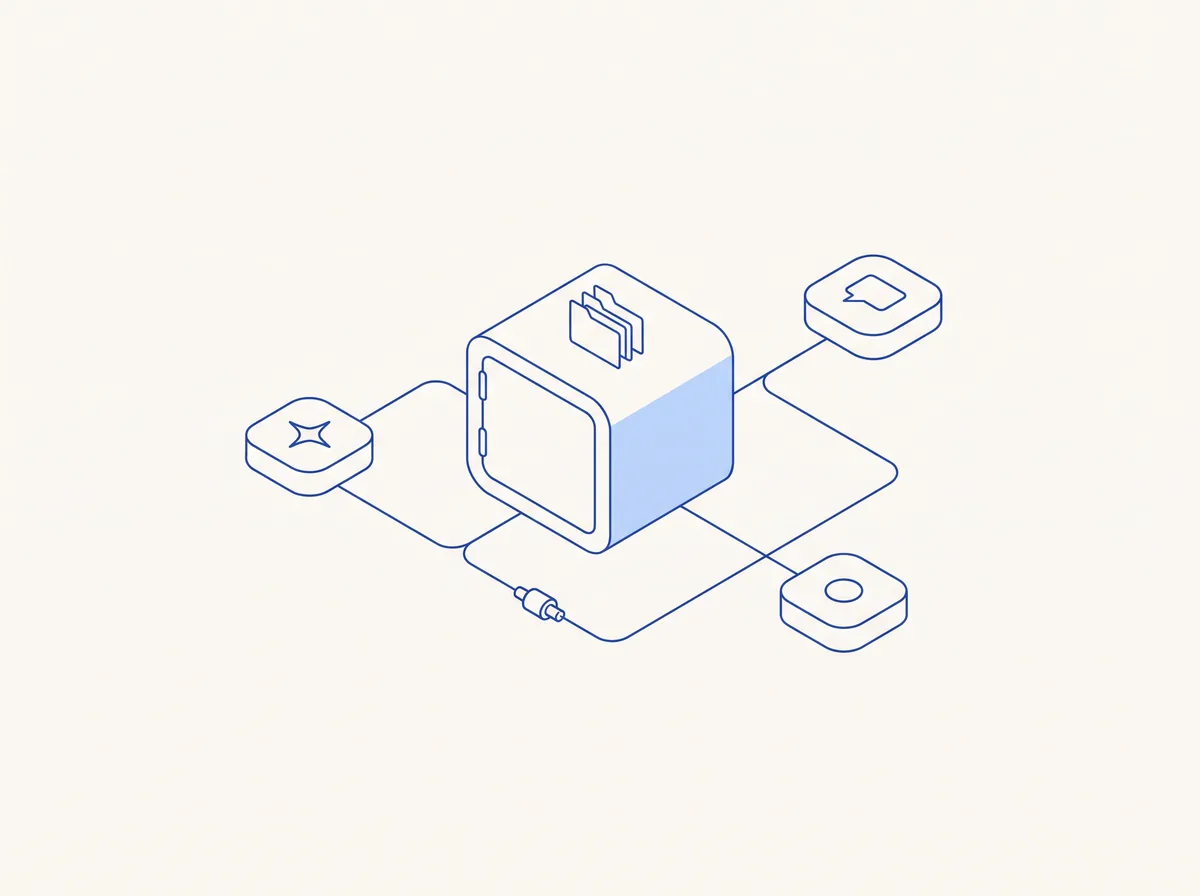
The DocuMap MCP server is the connector that brings your data rooms into ChatGPT, Claude, Gemini and other AI assistants that support the Model Context Protocol, the open standard for linking assistants to external tools and data. The assistant searches and reads the documents with your permissions, and each of its actions is recorded in the data room log.
 ChatGPT
 Claude
 Gemini
Ready in minutes, with no code.
- 1
Add DocuMap to your assistant
Enter the MCP server address where ChatGPT, Claude or Gemini lists its connectors and apps, or in your own agent.
- 2
Sign in and choose permissions
You sign in with your account and decide whether the assistant can only read or also upload and organise.
- 3
Ask in your own words
The assistant searches, reads and answers from the documents you can see, citing its sources.
Your AI assistant works inside the data room.
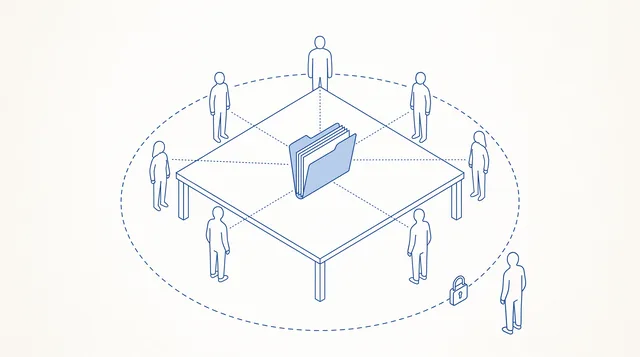
Agents see only what you can see.
Every agent acts with your permissions, folder by folder. You grant access by signing in with your DocuMap account (OAuth). In the log each of its actions is marked as an action by an AI agent, and you can revoke its access at any time.
Explore securityMCP for AI assistants, API for your own software.
The MCP server is for AI assistants that work in plain language; the API is for the software you build or already run. With the API you create data rooms, upload documents and read the log. With webhooks you get a notification when a document is uploaded, signed or released.
- API keys with read-only or read and write permissions
- Every call in the data room log
- Webhooks for uploads, signatures and releases
MCP and API FAQ
What is an MCP server?
An MCP server gives an AI assistant access to the tools and data of an external service through the open Model Context Protocol standard. The DocuMap MCP server brings your data rooms into ChatGPT, Claude, Gemini and compatible agents.
Which AI assistants can I connect?
ChatGPT, Claude, Gemini and enterprise agents that support MCP. You add DocuMap among the assistant's connectors or apps, sign in with your DocuMap account and choose the permissions. For your own systems you use the API and webhooks.
Does the assistant see every document?
No. It sees only the data rooms and folders you can see, with the permissions you choose when you connect it: read only, or read and write.
Do I need to write code?
Not for MCP: add DocuMap to your assistant's connectors or apps and sign in with your account. The API is for teams that connect business software or automated workflows.
Are my documents used to train AI?
No. The documents you upload to DocuMap are not used to train artificial intelligence models.
Is it safe to connect ChatGPT or Claude to a data room?
With DocuMap the assistant works inside limits you set. It connects through a sign-in with your DocuMap account, sees only the data rooms and folders you can see. Every action it takes is marked in the log as an action by an AI agent, and you can revoke its access at any time.
What is the difference between the MCP server and the API?
The MCP server lets AI assistants such as ChatGPT, Claude and Gemini work on your data rooms in plain language, with no code. The API is for your own software: with API keys, read only or read and write, you create data rooms, upload documents and read the log. In both cases every action stays in the data room log.
Can the assistant show where an answer comes from?
Yes. When ChatGPT, Claude or Gemini answers from your DocuMap documents, the answer cites the document, the version and the page, so you can open the exact passage and check it. The assistant draws only on the data rooms and folders you are allowed to see.
Bring your AI assistants into the data room.
See DocuMap at work on your own documents.