Document security for confidential files: you decide who views, prints and downloads.
Decide what each person can do with each file: access by folder, watermark, view only and a confidentiality agreement.
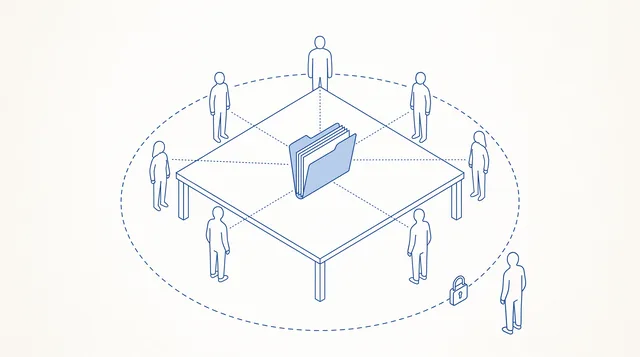
Each person sees only the folders they need.
Roles and access by folder
Administrators manage, Editors upload and organise, Viewers consult and download watermarked copies. Give each person only the folders they need.
Guests without an account
Outside guests join with the invitation link and a one-time code by email. Someone from outside is a Viewer or an Editor, never an Administrator.
Permissions per person
“Can request signatures” and “Can withdraw documents” are given person by person. Administrators always have them.
Revoke access at any time
Remove a person or a folder from their access, and it stops at once.
If you move a file to a folder with different access, DocuMap first tells you who loses it and who gains it.
View only or watermarked PDF only, where you need it.
These rules apply to people who do not manage the data room. Moving a document to a less protected folder asks for confirmation.
One rule for the whole data room
Choose the default protection, then make it stricter on a folder or on a single document. The stricter one always applies.
View only
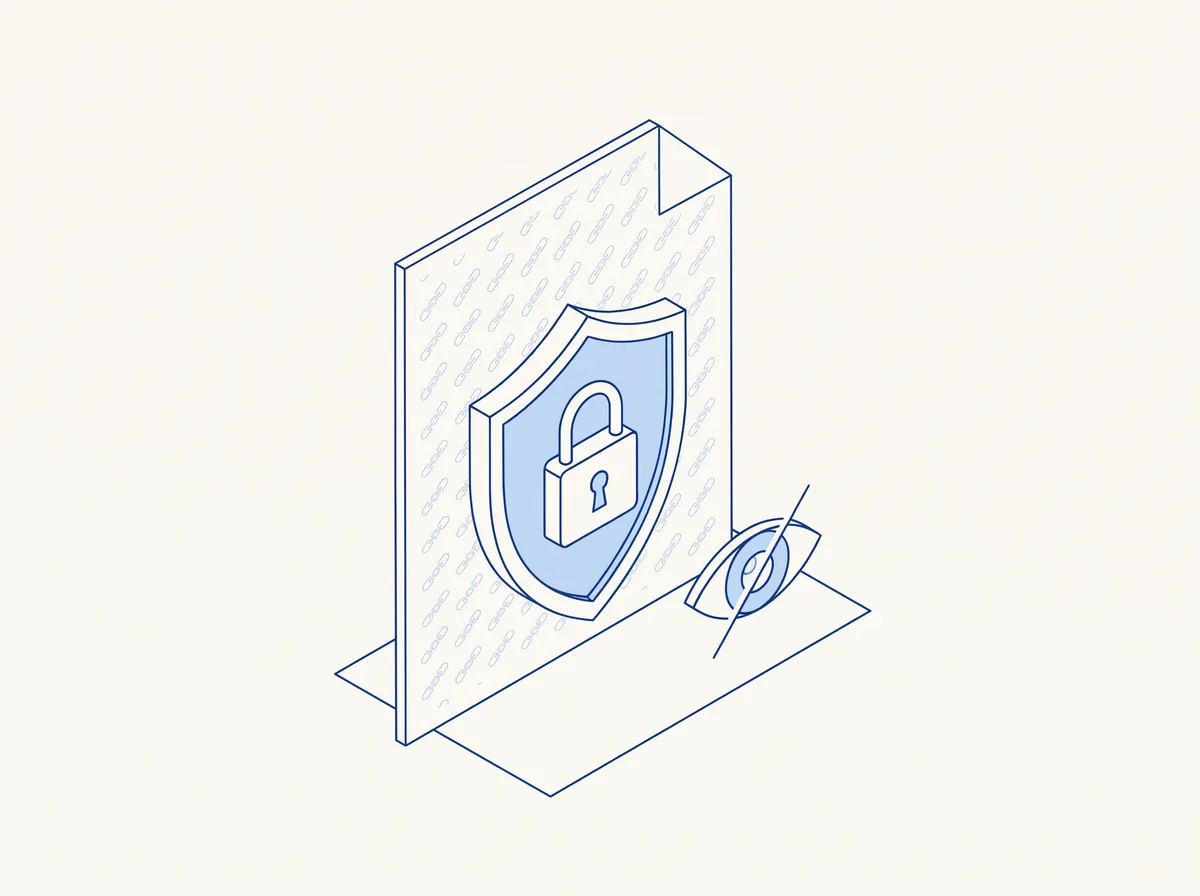
Pages are shown as images carrying the name of the viewer, with no download and no print. When the window is not active, the document is hidden.
Watermarked PDF only
People who do not manage the data room never download the original, only a PDF with their name and a copy code in the watermark.
Protection makes it harder to take documents out of the data room, but it does not prevent screenshots or photos of the screen, and copies already downloaded stay with whoever has them. In an escrow, protection per document does not apply.
Every copy says whose it is.
Confidentiality agreement and one-time code, before the first document.
Confidentiality agreement at entry
Write the agreement and whoever enters accepts it before seeing the documents. If you change it, it has to be accepted again, and the audit trail keeps who accepted it and which version.
One-time code by email
The code is valid for 10 minutes and the session for 12 hours. After too many wrong codes, entry is locked for 15 minutes.
Encryption
Documents and data encrypted in transit and at rest, on servers in the EEA.
When a document must stop circulating.
Every protected view, print and download goes into the audit trail.Explore the audit trail
Document security FAQ
How do you protect confidential documents in a data room?
Give each person a role and only the folders they need, choose whether documents can be downloaded, downloaded only as a watermarked PDF or only viewed, and ask people to accept a confidentiality agreement before entering. Every action stays in the audit trail.
Can I stop a PDF from being downloaded?
Yes. With “View only”, people who do not manage the data room see the pages as images, with no download and no print. With “Watermarked PDF only” they download a PDF with their name and a copy code, never the original.
What is a dynamic watermark?
It is a watermark that changes for each person: on previews, prints and downloads it shows the name of the data room and the name, email, date and time of whoever opens the document, plus a copy code.
Does protection prevent screenshots and photos of the screen?
No. It makes them less useful, because every page carries the name of the viewer and the code of the copy, but screenshots and photos remain possible. Copies already downloaded stay with whoever has them.
Do outside guests need to create an account?
No. They join with the invitation link and a one-time code by email, and see only the folders you have chosen.
Can I remove a person’s access?
Yes, at any time. Remove the person or a folder and access stops at once, and the removal stays in the audit trail.
Share confidential documents without losing control of them.
See DocuMap at work on your own documents.