Skip to content
DocuMapDocuMapbyTrueScreen
Document management

Document management software for firms and teams that work on confidential documents.

Contracts, case files and financials in order in one place, ready to share when needed. For law firms, legal teams and companies.

Who it is for

For anyone whose documents have to stay organised and confidential.

Different roles, the same need: find the right version and know who has seen it.

Law firmsOne file per matter, with pleadings, briefs and the client’s documents, and the latest version always on top.
In-house legal teamsContracts with customers and suppliers, powers of attorney and corporate records, with deadlines under control.
Finance and administrationFinancial statements, minutes and tax documents that auditors and banks ask for several times a year.
Advisers and consultantsThe documents a client sends through different channels, gathered in one folder per engagement.
Software companiesLicence agreements, technical documentation and repository code in the same archive.
Teams preparing a dealToday’s archive becomes tomorrow’s data room: the folders are already there when due diligence starts.
Uses

The moments when an organised archive changes the work.

Everyday stories from law firms, legal teams and companies.

In-house legal team

The renewal nobody remembered

A supply agreement renews itself unless someone cancels it by a certain date. That date sits in a PDF, in a shared folder that only one person ever opens.

What changes. The contract has its expiry date and the renewal alert arrives in your calendar. If you have a doubt you ask the archive, and the answer takes you to the page it comes from.

Explore solutions for law firms

Law firm

The case file scattered across emails and USB sticks

The client sends documents by email, a colleague saves them on their own computer, and the final brief has a name ending in “final2”.

What changes. One file per matter, with every version kept. The client uploads files from a link and they land in the right folder.

Explore solutions for law firms
Finance and administration

The year-end audit

The auditor asks for minutes, contracts and financial statements for the last few years. Someone spends days looking for them and sends them in pieces, by email.

What changes. The documents are already in organised folders. You open to the auditor only the folders they need, read only, and the audit trail shows what they opened.

Explore the virtual data room
Before a deal

The due diligence that arrives without warning

An offer for the company or a round with a fund: suddenly every corporate document is needed, complete and up to date.

What changes. The archive is already the basis of the data room. You share the folders with buyers and advisers without copying them into another tool.

Explore M&A and finance
Software company

Contracts in one folder, code in another

Licence agreements live in a shared folder, technical documentation in a wiki and the code in a repository. When a customer asks for everything, someone pieces it together by hand.

What changes. You connect the repository and it becomes a code folder next to the contracts, with a new version at every stable release.

Explore software and technology
Matters handled by several people

Who changed what, and when

A matter passes between colleagues in different offices. Each one uploads their part, and nobody knows for sure what has changed since yesterday.

What changes. Every morning an email sums up what is new in the folders you follow, and comments sit on the document instead of in emails.

Industries

Document management for your industry.

Where DocuMap is already used as the everyday archive.

All solutions
An empty boardroom at dusk, with two stacks of contracts tied with red ribbon

M&A and finance

Advisers, investment banks and funds keep the documents of a deal in order before due diligence.

  • Corporate documents ready for the data room
  • Minutes and financial statements for auditors and investors
Explore M&A and finance
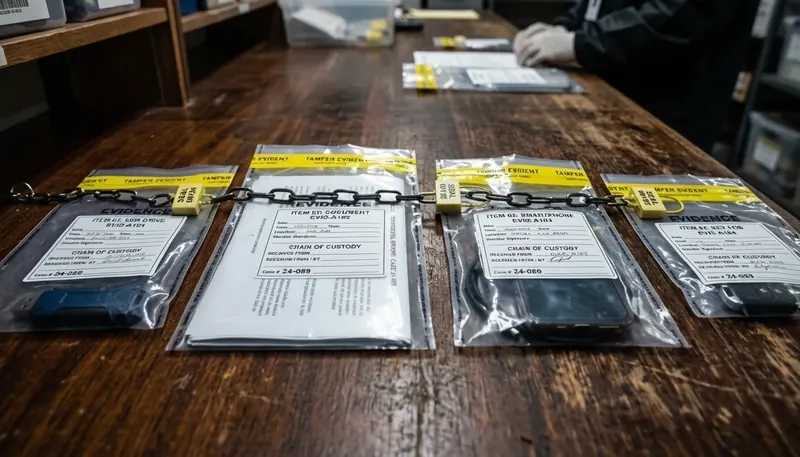
Sealed evidence bags with chain of custody forms on a wooden table

Law firms and legal teams

Case files, contracts and correspondence in an archive with the history of every document.

  • Files by matter and by case
  • Contracts with deadlines and renewals
Explore solutions for law firms
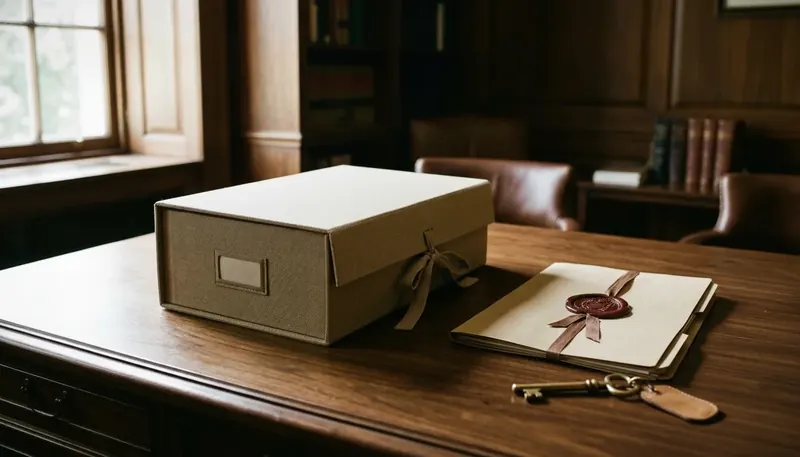
A closed archive box and a folder sealed with wax and a key on a desk

Software and technology

Licence agreements, technical documentation and source code in the same place.

  • Repositories as code folders
  • Documentation for customers and tenders
Explore software and technology
Features

How it works, in detail.

Each feature has its own page: here you see who it is for, there how it works.

Questions

Document management FAQ

Who uses DocuMap for document management?

Law firms, in-house legal teams, finance and administration, advisers and software companies: anyone who works every day on contracts, case files and confidential documents and sooner or later has to share them with clients, auditors or counterparties.

How is document management different from a data room?

Document management supports everyday work on your documents; a data room governs who reviews them from outside, with access by folder and a record of every action. In DocuMap you move from one to the other without moving files.

Is DocuMap a good fit for a law firm?

Yes. You organise case files in folders with versions and full-text search, ask the documents and get the answer with the page cited, and share documents with clients and counterparties in a data room, with every access recorded.

Can I use the archive to prepare for due diligence?

Yes. If the corporate documents are already in DocuMap, the data room for buyers and advisers starts from the same folders: you decide who sees what, and every access stays in the audit trail.

Are my documents used to train AI?

No. The documents you upload to DocuMap are not used to train artificial intelligence models, and they stay on servers in the EEA, encrypted in transit and at rest.

How much does DocuMap cost for document management?

The price depends on how you use it and the features you need. Request a demo and we will prepare a proposal.

Put the documents of your firm or company in order.

See DocuMap at work on your own documents.