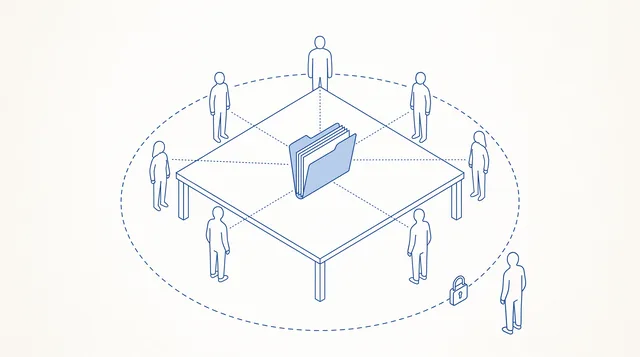
Set up your M&A data room for due diligence in minutes.
Prepare the due diligence data room, give each bidder only its folders and keep track of every access.
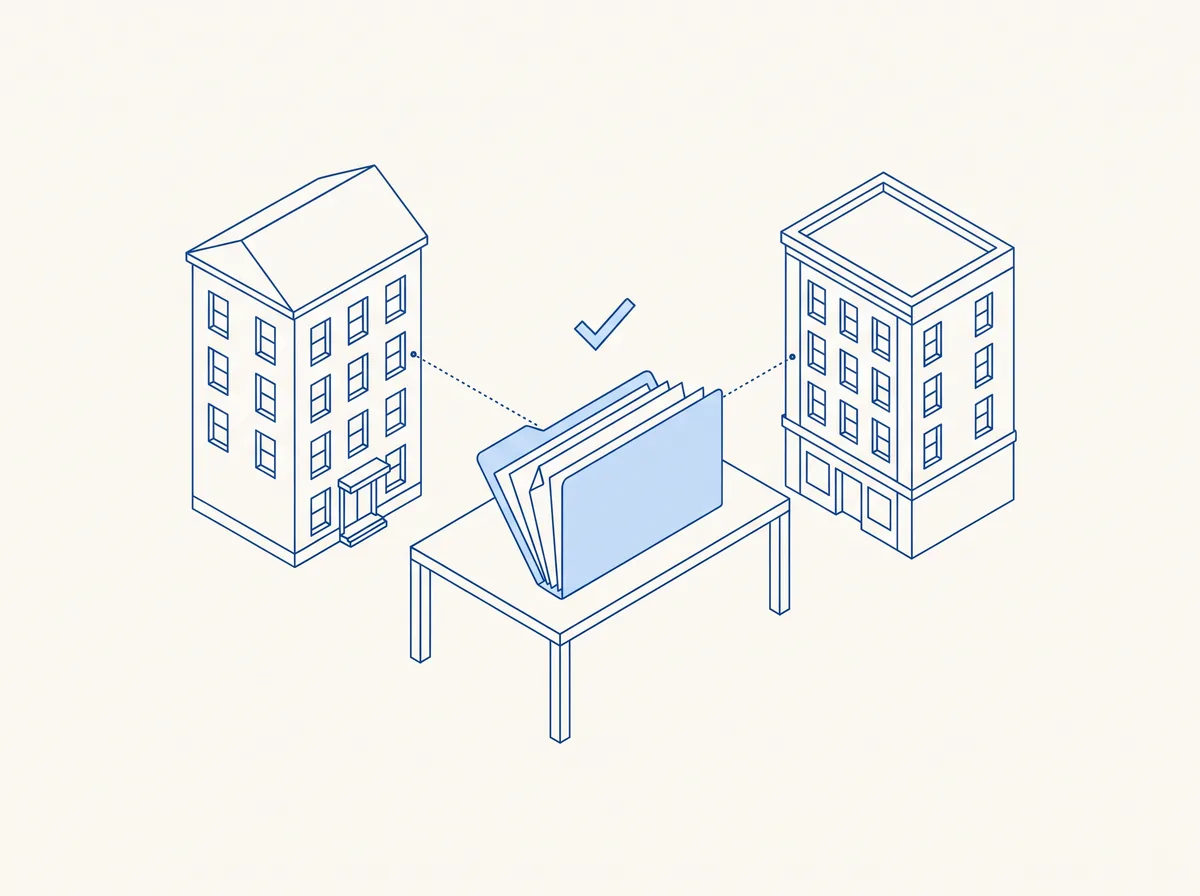
What a due diligence data room has to handle.
Where to start in DocuMap.
Data room for due diligence
Folders from the M&A template, access per bidder, Q&A with approval.
Document escrow for closing
Closing and post-closing documents stay locked until the conditions accepted by every party are met. Documents and source code only, never funds. On request, for professional clients.
From mandate to post-closing, in one place.
- 1
Preparation
Start from the due diligence template, upload the folders and let the AI give clear names and find duplicates.
- 2
Due diligence
Invite buyers with their own scope: they ask, experts answer, you approve.
- 3
Signing and closing
Sign agreements in the browser and place the documents that have to wait in escrow.
- 4
After closing
Export the data room with its audit trail and keep it in view-only mode.
The features you will use most.
Q&A with approval
Buyers ask, experts answer, you approve.
Checklist
See what is missing or in the wrong place.
Buyer activity
Which documents each buyer and adviser opens, and how often.
Dynamic watermark
Every preview carries the name of the viewer and the time.
Frequently asked questions
What is a due diligence data room?
A due diligence data room is the online space where the seller places contracts, financials, tax filings and corporate records, so buyers and advisers can review them without copies going around. DocuMap adds Q&A with approval, AI search and escrow for closing, and certifies the documents and every action.
Can I keep different bidders apart?
Yes. Give each person access only to the folders they need, and revoke it at any time.
How does escrow work at closing?
Documents stay locked until a condition accepted by every party is met, for example a date or the consent of the parties. Before any release every party is notified and an authorised party can object. DocuMap escrow holds documents and source code, never funds, and TrueScreen activates it on request, case by case, for professional clients.
What is left after the deal closes?
You export the data room with originals, index and audit trail, and keep it available in view-only mode.
How do you prove what each buyer saw during due diligence?
DocuMap records every document with its fingerprint when it is uploaded, and every action of every participant: views, downloads, prints and invitations. Documents and actions are then certified with a periodic certification that carries a qualified electronic seal and a qualified timestamp. After closing you export the data room with its certified audit trail.
Does escrow in DocuMap hold money at closing?
No. DocuMap escrow holds documents and source code, never funds. The depositor places closing or post-closing documents under release rules accepted by every party. When a condition is met, every party receives a notice and an authorised party can object. TrueScreen activates escrow on request, case by case, for professional clients.
How do you prepare a due diligence data room?
Start from the M&A template, which creates the folder tree, then drag in whole folders. The AI proposes clear file names and flags duplicates, and the checklist shows what is missing. Then invite each bidder with access to its own folders only and an NDA to accept before entering.
Open the data room for your next deal.
See DocuMap at work on your own documents.