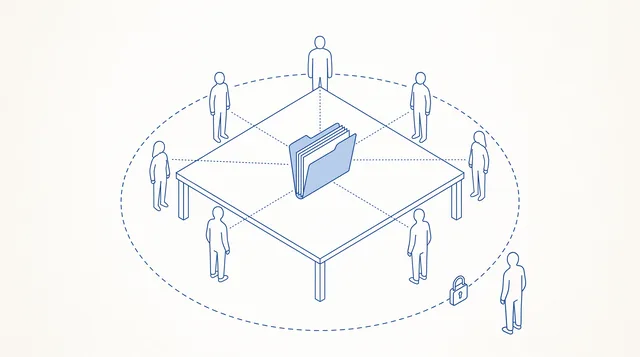
AI document assistant: every answer takes you to the page it comes from.
Ask the documents in your data room and get answers that cite the document and the page, plus summaries and clear file names.
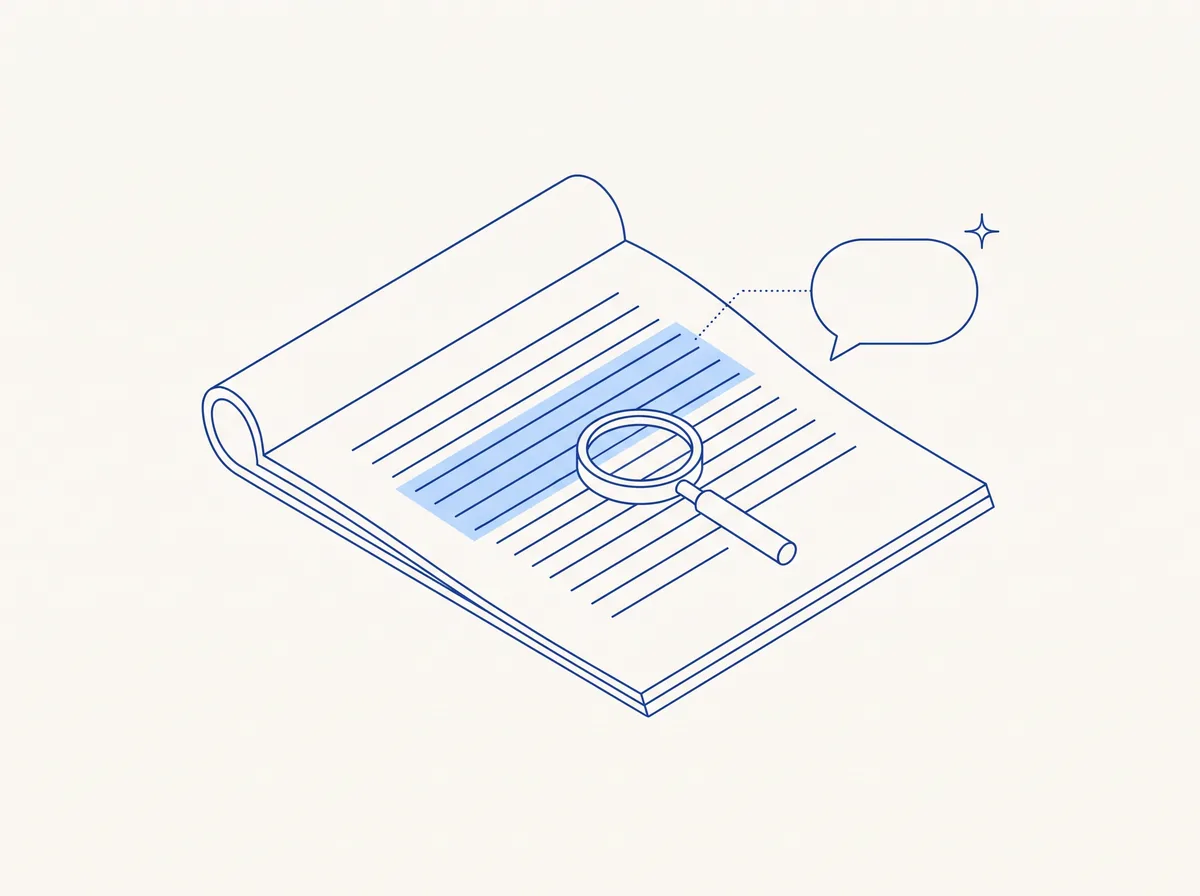
Ask in your own words, check the source in one click.
You do not need to know which file holds the clause: you ask the data room, and the answer comes with its citations.
Summaries, clear names and duplicates, before you share.
When the data room fills up with scans and files called final_document_2.pdf, AI helps you put it back in order. The last word stays with you.
Summaries on request
With “Generate AI summary” you get a summary of a contract, minutes or financial statements when you need it. The document does not change.
Rename with AI
AI reads the file and suggests a name that says what it contains. You check it and save it.
Automatic index
Clear names, duplicates found and passages to redact, before you open the data room to people outside.
AI works within your rules.
Your AI assistant can also work on the data room from outside.Explore API and MCP
AI document assistant FAQ
What is an AI document assistant?
It is a tool that reads your documents, answers the questions you ask, summarises them and helps you keep them in order. In DocuMap it works inside the data room, only on the documents you can see, and every answer gives the document, the version and the page.
Can I ask questions about a PDF?
Yes, and about all the other documents in the data room at once. With “Ask the documents” the question covers every file you can see, and the answer cites the document, the version and the page it comes from.
Can AI summarise a document?
Yes. From the document, choose “Generate AI summary” and get a summary of a contract, minutes or financial statements. The original document does not change.
Does the assistant see every document in the data room?
No. It answers only from the documents and folders you have access to. A person with access to a few folders gets answers from those folders only.
Are my documents used to train AI?
No. The documents you upload to DocuMap are not used to train artificial intelligence models.
Can I use ChatGPT, Claude or Gemini on the documents in the data room?
Yes, through the DocuMap MCP server: the assistant you already use works on the data room with your permissions, and every action it takes stays in the audit trail as an AI agent action.
Ask your documents, then check the page.
See DocuMap at work on your own documents.