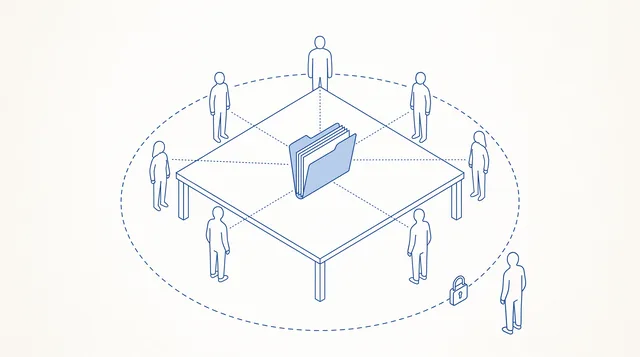
Certified audit trail: who did what, to which document, and when.
Every upload, view, download and signature recorded with person and time, certified with a qualified seal and timestamp.
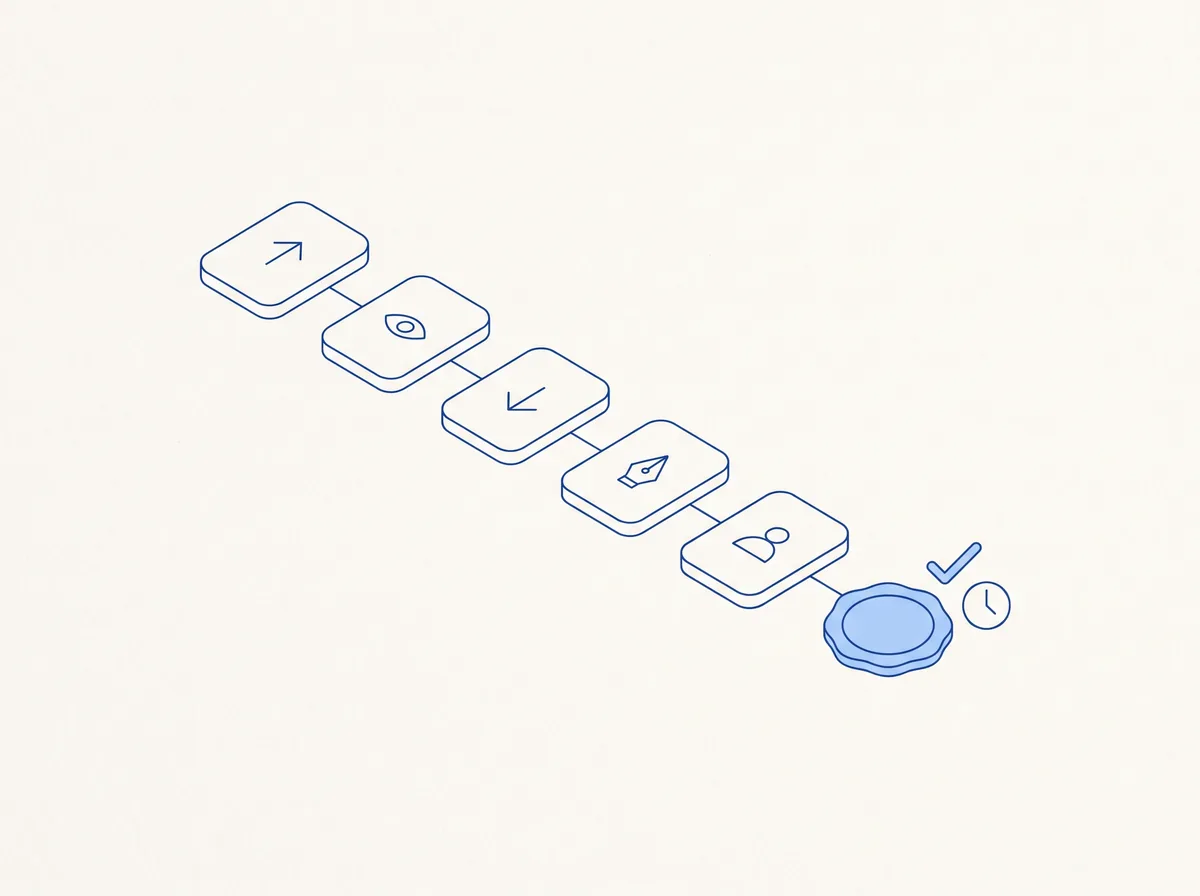
Every action on every document, with name, date and time.
The audit trail follows documents from the moment they come in to the moment they leave: who uploads, opens, prints, downloads, signs or withdraws them, and who enters the data room.
A certified audit trail, not just a log.
Every document enters the audit trail the moment it is uploaded; documents and actions are then certified through a periodic certification.
The audit trail is for the Administrators of the data room.
When the deal is done, the whole data room in one archive.
When the deal is done, the Administrator downloads the whole data room as a ZIP archive:
- Original documents in their folders
- Index of the documents
- PDF report
- Certified audit trail with the proofs of the certification
- Comments in a separate file
After the export you can archive the data room and keep it available read only.
Downloads and exportAudit trail FAQ
What is an audit trail?
It is the time-ordered record of the actions taken on a system: who did what, to which data and when. In a data room it tells you who viewed, downloaded or signed a document, and at what moment.
What does the DocuMap audit trail record?
Uploads, new versions, views, prints and downloads, invitations and entries with the code, changes of role and permission, signatures, withdrawals, file requests, the confidentiality agreement, comments, Q&A and every change to the settings.
How is the audit trail certified?
Every document enters the audit trail the moment it is uploaded; documents and actions are then certified through a periodic certification, with a qualified electronic seal and a qualified timestamp. TrueScreen is not a trust service provider.
Are all documents certified?
Document certification is a setting of each data room. With it on, every version enters the next certification. With it off, every file still has its fingerprint and its event in the certified audit trail. The signed PDF in the data room and the documents in an escrow are always certified.
Who can see the audit trail?
The Administrators of the data room. Viewers and Editors see neither the audit trail nor the other people, not even through the API.
Do AI agent actions go into the audit trail?
Yes. Every action of an assistant connected through MCP or of an API key stays in the audit trail with the “AI agent” label.
Always know who saw what, and be able to prove it.
See DocuMap at work on your own documents.