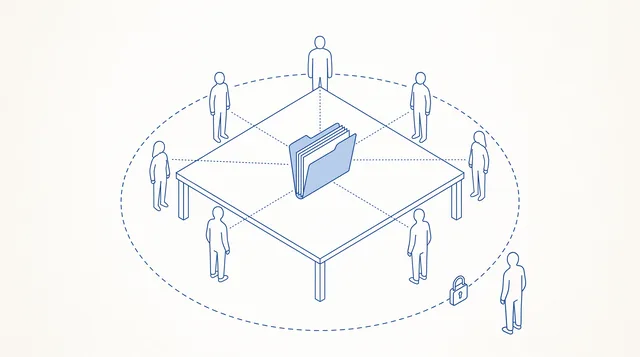
Secure document sharing and file management, in one place.
Upload, organise, send and receive confidential documents in one place, with access per person and every step recorded.
Upload everything, whole folders included.
Every file gets its fingerprint the moment it comes in, before anyone opens it.
Many formats, up to 2 GB
PDF, Word, Excel and PowerPoint, images, video, audio, archives and code files, up to 2 GB per file. PDFs, Office files and images open in a preview.
Whole folders in one drag
Drag a folder from your computer and DocuMap rebuilds it, subfolders included, inside the folder you have open.
Duplicate file warning
Before the upload, DocuMap recognises the fingerprint of the file and tells you if the same document is already in the data room.
Antivirus on every file
Every file goes through the antivirus before anyone can open or download it. An infected file stays blocked and the event goes into the audit trail.
Signatures already in the file
If a PDF arrives already signed with a digital signature, DocuMap reads the signatures from the file and shows them under “Signed by”. It shows them, it does not validate them.
The room in your language
The room speaks English, Italian, Spanish, German, French and Portuguese.
Every file in its place, and easy to find when you need it.
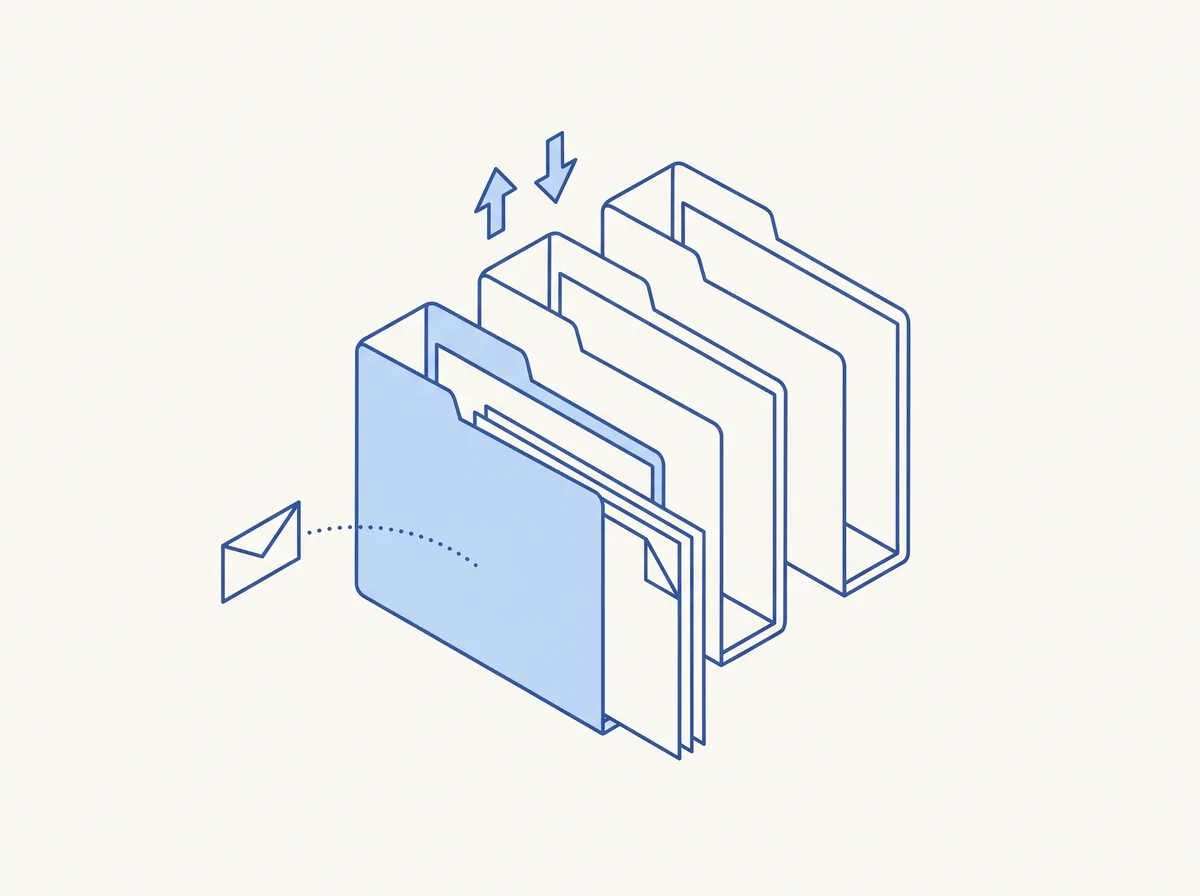
Every version stays, even the wrong one.
Every version kept
With “Upload a new version” the history grows: every version stays an original, with its own fingerprint and date.
Locked during signature
While a signature request is open, the document cannot get a new version or be withdrawn. The signed copy arrives as a new version.
Withdrawing a document
“Withdraw from the room” removes a file for everyone. The audit trail keeps the fingerprint of every version and the reason you wrote. Administrators can do it, and so can Editors with the “Can withdraw documents” permission.
Comments, checklists and notifications, next to the documents.
Notes on a contract stay on the contract, not in an email thread nobody can find.
Comments
Comment on a precise point of a page or a passage of text, version by version. Whoever replies finds the spot without looking for it.
Checklist
See what is missing and what is in the wrong place, and with “Ask for the document” request it from the person who has to send it.
Notifications
Signatures, comments, uploads and questions in a single panel, with a link to the document and the page.
Daily summary
Every morning at 8:30, an email with what is new in the folders you can see, only on the days when something has changed.
Buyers’ questions, with an approved answer.
Whoever reviews the documents asks a question about a file or about the data room. An expert drafts the answer and an approver publishes it to the group that asked, or to everyone.
Ask people outside for files: they land in the right folder.
Clients, advisers and counterparties do not need to join the data room to send you a document, and you do not need to save attachments by hand.
Request files
The person gets an email and uploads the files from a secure page, without seeing the data room. The files land in the folder you chose and follow its access.
Email address of the data room
Administrators and Editors forward an email from the mailbox they were invited with: the attachments come in as documents, up to 20 attachments and 40 MB per email.
A receipt for every email
The sender gets the list of files that came in, with their fingerprints. If an email does not come in, the reply explains why.
Bring in files from where they already are.
Google Drive, SharePoint, OneDrive and Dropbox
Pick files with your own account and import them into the folder you have open. Access to your account is used only for the import and is not kept.
Code folders from your repositories
Up to ten repositories per data room, from GitHub, GitLab, Bitbucket and Azure DevOps, read only. Each repository becomes a folder with the inventory of its files and the differences between one version and the next.


AI assistants and API
Work on your files from your AI assistant through the MCP server, or connect your business systems through the API.
 Google Drive
 SharePoint
 OneDrive
 Dropbox
 GitHub
 GitLab
 Bitbucket
 Azure DevOps
An imported file carries the date it entered the data room, not the date it was created at the source.Explore API and MCP
Every file leaves according to its permissions, and the data room closes in order.
Downloads by role
By default you download a watermarked copy. Administrators and Editors download the originals. Printing works only from the preview, and every print stays in the audit trail.
Everything in one ZIP
Whoever can download gets their copies in a single archive. Formats that cannot carry a watermark stay out, listed in the README file.
Export the data room
The Administrator downloads a ZIP archive with the originals in their folders, the index, the report and the certified audit trail.
Archiving
An archived data room stays available read only: nobody uploads, edits or invites until an Administrator reactivates it.
Roles, watermark and view only are chosen document by document.Explore permissions and protection
File management and document sharing FAQ
How do you share confidential documents securely?
Instead of attaching them to an email, put them in a data room and invite people with the role and the folders they need. They join with a one-time code by email, download watermarked copies, and every view, print or download stays in the audit trail. You remove access whenever you want.
How do I request a document from a client or an adviser?
With “Request files”: the person gets an email and uploads the files from a secure page, without seeing the data room. The files land in the folder you chose, with their fingerprint. People already in the data room can also forward attachments to the email address of the data room.
Which files can I upload, and how large can they be?
PDF, Word, Excel, PowerPoint, images, video, audio, archives and code files, up to 2 GB per file. You can drag in whole folders and DocuMap rebuilds their structure. PDFs, Office files and images open in a preview, other formats are downloaded.
Can I import files from Google Drive, SharePoint, OneDrive or Dropbox?
Yes. Pick the files with your own account and import them into the folder you have open. Access to your account is used only for the import and is not kept.
What happens to the previous version when I upload an updated document?
It stays in the history. Every version is kept as an original, with its own fingerprint, and you can open or download it according to your role.
How is this different from document management?
This page covers the features you use to upload, organise, send and receive files in DocuMap. How law firms, companies and legal teams use them for their everyday documents is on the Document management page.
Move files and attachments into an organised data room.
See DocuMap at work on your own documents.